What is automation in business?
Automation in business pays back fastest when you sequence it. Automate the highest-volume, most standard process first, measure it against a baseline, and move on only once it clears. The work is repeatable, rule-based tasks handed to software so they run without a person in the middle.
This page covers that sequence. For the full definition and how business process automation sits against RPA, read what business process automation is. For the tools and the cost side, see the guide to running business process automation.
IBM frames business process automation as a strategy that uses software to run complex, repetitive processes, and it names invoice approval, purchase-order matching, employee onboarding, contract management, and marketing as the classic cases (IBM). The line it draws between BPA and RPA is enterprise-system span. BPA reaches across systems, RPA handles the task level.
Most firms have not started, which is why sequencing is the useful question. Nationally, AI use in business hovered between 17% and 20% from December 2025 through May 2026, landing at 19.8% on 3 May 2026 (US Census Bureau). Adoption splits sharply by size: 37% of firms with at least 250 employees used AI, 32% with 100 to 249 did, and fewer than 20% with four or fewer did (US Census Bureau).
Which processes to automate first
Start with the process that runs most often, follows the fewest exceptions, and costs the most per run. Screen any candidate against four questions, in this order.
- How often does it run? A process that fires hundreds of times a month repays automation faster than one that runs weekly.
- How often does it break from the standard path? Fixed rules beat judgement calls. The fewer the exceptions, the more of the process software can own.
- How many systems does it touch? Fewer systems means a shorter build and cleaner handoffs.
- What does an error cost? High error cost is where automation pays for itself first, because it removes the rework.
That second question is also your stopping rule. If a process leaves its standard path more often than it follows it, automate a narrower piece or leave it alone. That answers how much automation you actually need.
Invoice approval and purchase-order matching clear all four. They run constantly, follow fixed rules, and a mistake costs real money. IBM lists them first among the classic cases, alongside employee onboarding, contract management, and marketing (IBM).
A 90-day order of operations
Automation fails when nobody owns it and nobody measures it. The plan below closes both gaps in three steps.
Days 1 to 14: pick and map one process. Choose the highest-volume, most standard process using the four questions above, then write down every step and mark each one rule-based or judgement. One process is the right scope, because most of the market has not started. Only 18% of firms used AI in a business function in the US Census Bureau’s 2026 working paper on AI diffusion (US Census Bureau).
Days 15 to 45: automate the rule-based steps. Keep the judgement steps with a person and route exceptions to a named owner. That split matches how adopters actually work. Two thirds of firms that use AI apply it to augment people (US Census Bureau).
Days 46 to 90: measure against a baseline. Record the cost per run and the cycle time before you start, then again at day 90. Don’t assume the return arrives on its own. In McKinsey’s 2026 survey, 37% of respondents attributed positive EBIT impact to AI, flat from the year before (McKinsey). The gap between your two numbers is the return.
The gate is simple. At day 90 the process either beats its baseline or it does not. Beat it and you automate the next process. Miss it and you fix the map before spending more.
When automation does not work
Automation usually stalls because it is shallow, and the numbers say so. Among firms that adopt AI, 57% use it in three or fewer business functions (US Census Bureau). A tool spread thin across several half-finished pilots delivers less than one process automated end to end.
The deeper gap is process, and McKinsey’s 2026 survey makes it measurable. Nearly three quarters of high performers report redesigning workflows, against one quarter of everyone else (McKinsey). The process map decides the outcome more than the tool does.
The job-loss fear is worth answering straight. AI-related employment decreases show up in only 2% of firms (US Census Bureau). What automation removes is rework and waiting, and removing them is the point.
Weak controls are a failure mode that hides in plain sight. In Microsoft Dynamics 365 Business Central, a workflow user cannot be both requestor and approver, and when one person holds both roles the request auto-approves (Microsoft Learn). Check that rule on day one. It survives demos and shows up later in audits.
How to use AI automation in business
AI is the newest layer, and it is the layer most teams adopt first. In McKinsey’s 2026 global survey, 89% of respondents used AI in at least one business function, and 44% said AI had scaled across the enterprise, up from 38% the year before (McKinsey). The survey fielded from 4 May to 8 June 2026 across 1,719 respondents in 97 countries.
The clearest change is agentic tools. 32% of respondents had dropped at least one software purchase because agentic coding tools could build the software in house (McKinsey). 80% said AI improved their individual productivity (McKinsey).
The order does not change. AI speeds up whichever process you point it at. Point it at an unmeasured process and you automate the mess. The same four questions and the same 90-day gate still apply.
Automating invoicing, approvals, and AP
Invoicing and approvals are where the volume concentrates, which is why they top IBM’s list (IBM). The sector data points the same way. Finance and insurance ran well above the national rate at 33.9% AI adoption, with information leading at 39.7% and retail at roughly 14% (US Census Bureau).
In Microsoft Dynamics 365 Business Central, an approval workflow is built from three kinds of steps: an event that starts it, a condition that decides the path, and a response the system carries out (Microsoft Learn). You set approver limits, delegation rules, and notifications so the right person sees the right request at the right time.
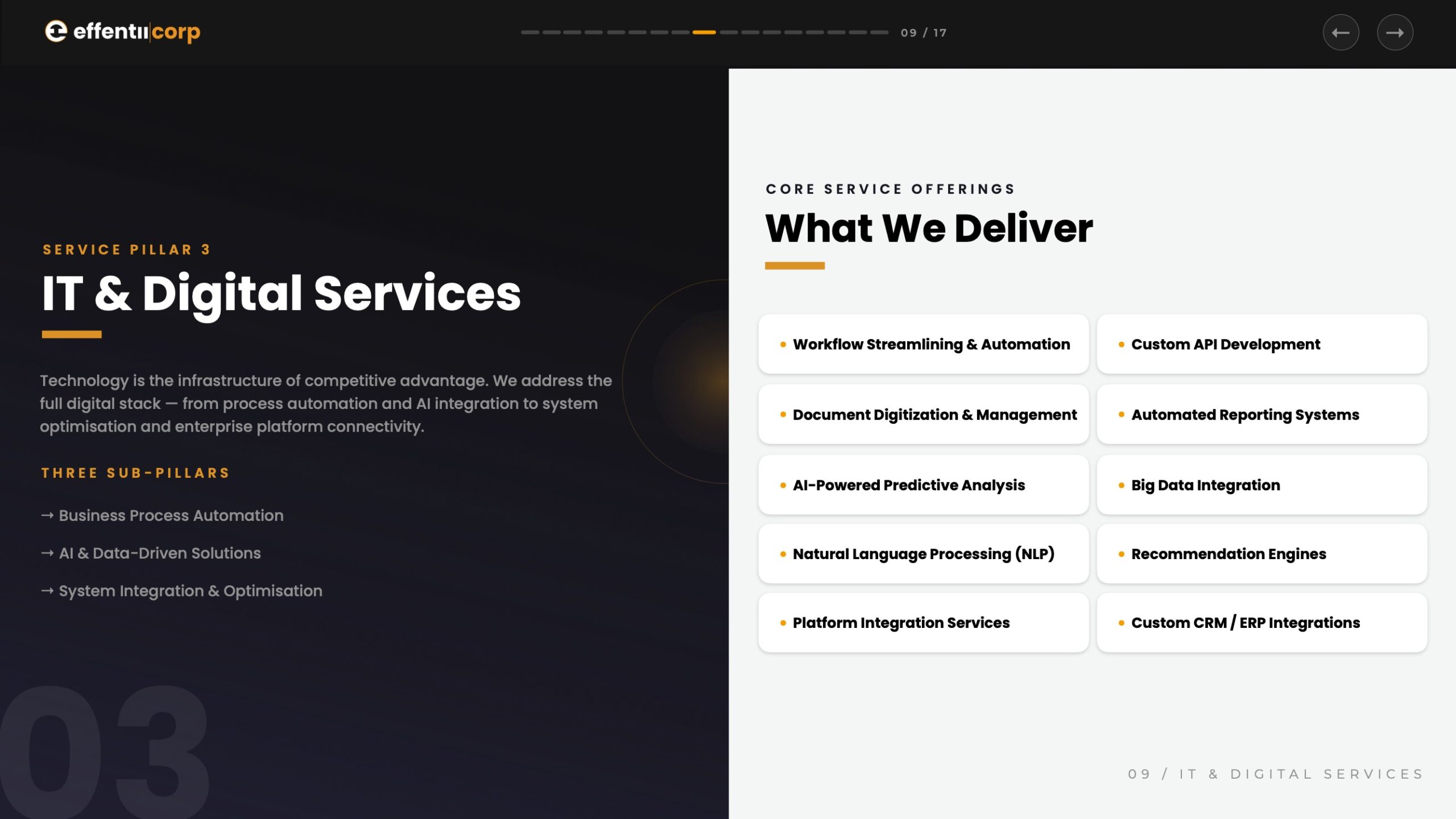
Approvals, AP, and invoicing are where our business process automation and AI work starts, because that is where the volume and the error cost sit.
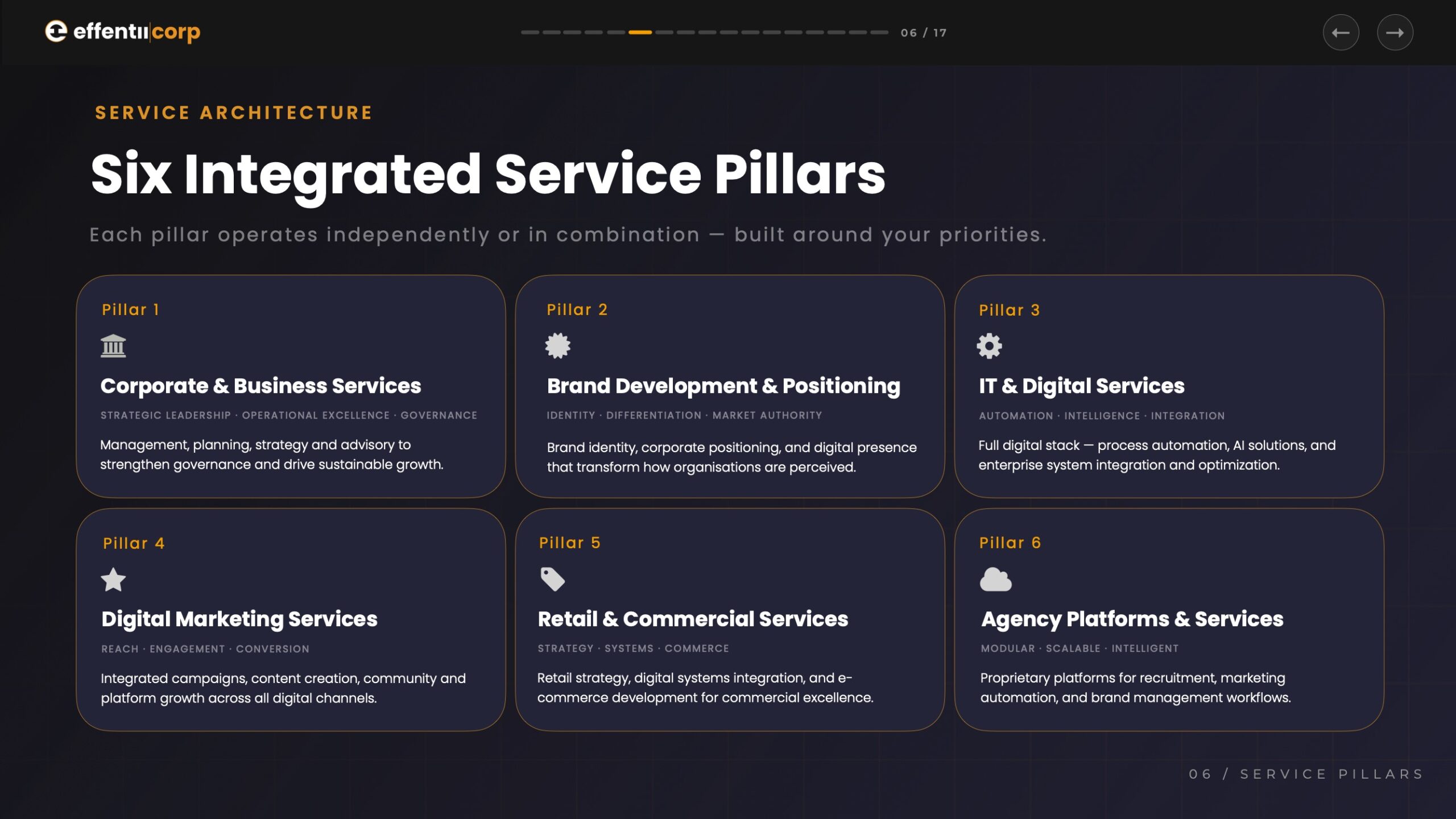
The order holds across every layer and every tool. Screen by frequency, exception rate, system count, and error cost. Automate one process, measure it, and let the number pick the next step. That is how we run automation inside our six integrated service pillars, and it is how EFFENTII works: we build the capability in your team so the work doesn’t depend on us.